AI order entry: from the e-mail to the order
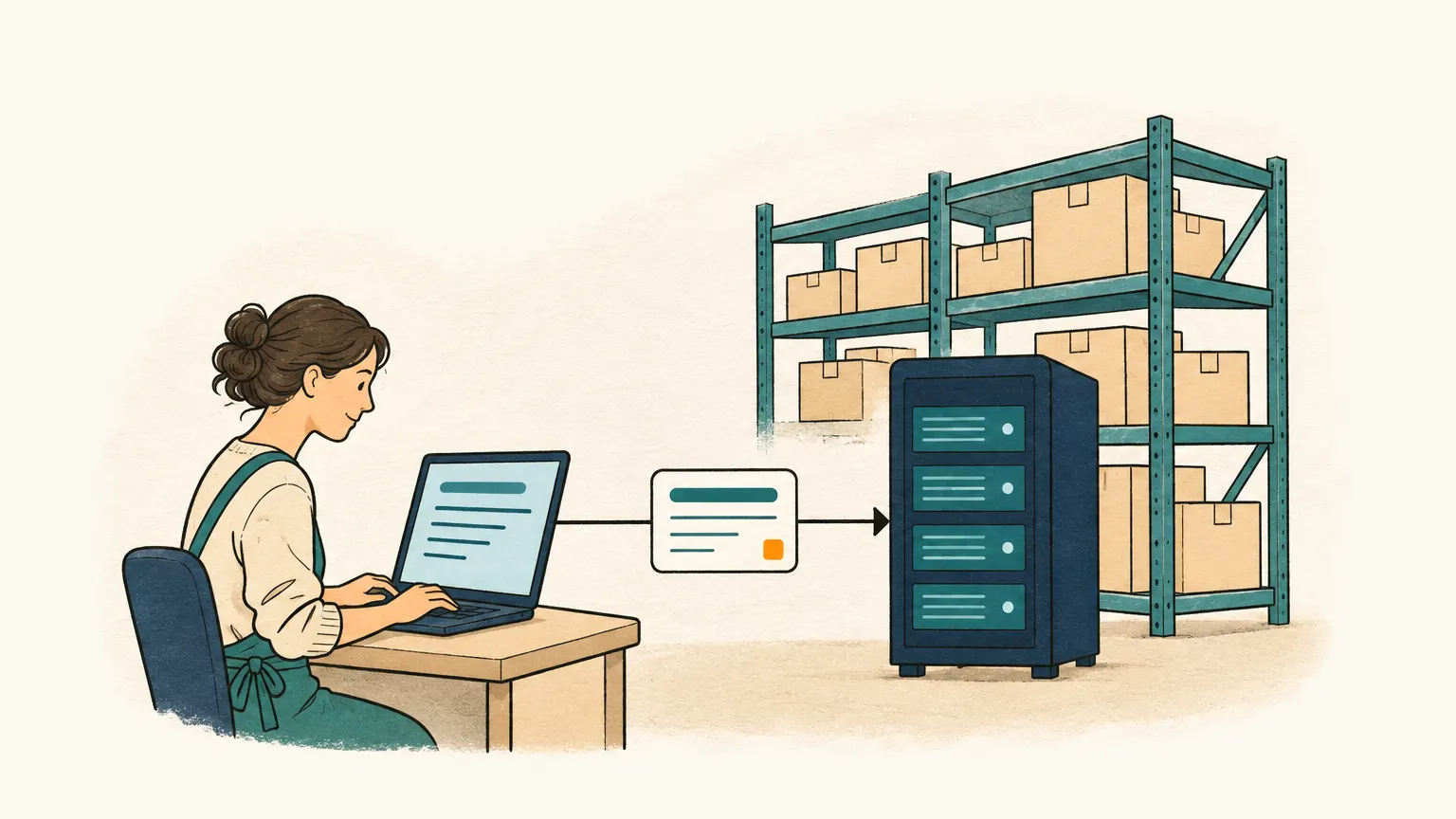
Your customers order in free text, attach a PDF or send a photo of a list. Onshop reads the e-mail, drafts the order with your customers and products and shows where every line came from. You check and confirm instead of typing.

How it works
- 01
The order comes in
Your customer orders the way they always do: an e-mail in free text, a PDF attachment or a photo of a handwritten list. Onshop regularly collects the messages from your order mailbox (IMAP). Onshop collects orders sent via WhatsApp the same way.

- 02
AI drafts the order – or asks
Onshop reads the text and the attachments, matches customer and products with your master data and creates a draft order. For every line you see the passage in the message it was taken from. If something is missing or unclear, such as a size or a pack unit, Onshop suggests a question to the customer. You send it, and the reply completes the same draft.

- 03
You confirm the order
Message and draft sit side by side. You correct what is wrong, add what is missing and confirm the order. Today no order is accepted without your confirmation. If you want orders from known customers to go through without review, you will be able to set that up yourself later.
Automatic confirmation without reviewplanned

- 04
The order is in your order management
Onshop keeps confirmed orders in one overview: customer, lines, status and the original message stay together. If you have no merchandise management system, you simply keep working here. You can export the orders as a CSV file at any time, for example for Excel.

- 05
Handover to your merchandise management
If you work with a merchandise management system or an ERP, the confirmed order is meant to go there without anyone typing it in. Until that connection is ready, you take the orders over with the CSV export.
Direct handover to merchandise management and ERPplanned
- From
- Jane Sample, Sample Ltd
- Subject
- Order for next week
Hello Ms Berger,
please deliver by Friday 1200 wood screws 4×40 (ART-1042), 212 boxes of wall plugs 8 mm and 35 rolls of the same tape as last time.
Thank you, Jane Sample
Draft order
CustomerSample Ltdmatched
- 1Wood screw 4×40Item no.: ART-1042Quantity: 200 pcs
- 2Wall plug 8 mm, boxItem no.: ART-2210Quantity: 12 box
- 3Adhesive tapeItem no.: not matchedplease checkQuantity: 5 roll
AI order entry with data protection
For text, PDF files and images, your customers’ data leaves our servers only in disguised form. Text recognition and anonymisation run on our own hardware; the AI model in the cloud only sees placeholders.
- Text recognition for photos, scans and PDF files without a text layer runs on our own servers. The files themselves are not sent to the AI model.
- Before the request goes to the AI model, names, e-mail addresses, phone numbers, postal addresses and bank details in the text are detected and replaced with placeholders.
- The model’s answer is merged with the real details only on our side. The mapping exists for that single request and is not stored.
Exception: audio attachments are still sent to the AI model as files for now. Our own speech recognition is planned.
Who it is for
Wholesalers, small-batch manufacturers and workshops that receive orders by e-mail in free form and type them up by hand today.
- Orders arrive as e-mail text, PDF or a photo of a list, not through an online shop or interface.
- You keep your inventory system, CRM, ERP or Excel: Onshop works alongside it. You bring in products and customers as a CSV file, for example from Excel.
- Someone on your team checks every order before it goes on.
Available now and next
Available now
- Orders from e-mail (IMAP mailboxes)
- Orders from WhatsApp
- Attachments: PDF files and images (photos, scans)
- AI recognition with the source passage for every line
- Matching with your customers and products
- Review and correction of the draft order
- Import of products and customers from CSV files (e.g. from Excel), export of orders as CSV
- Anonymisation of personal data before every AI request
- Interface in German and English
- Works on the phone as well as on the desktop
Next
- Voice messagesplanned
- Handing orders over to your inventory system or ERPplanned
- Own inventory and CRM functions for businesses without such a systemplanned
Plans
Free
free
- Orders from your e-mail mailboxes
- All features for reviewing draft orders
- Orders from WhatsApp
Standard
on request
- Everything in Free
- Terms by arrangement