E-mail orders: answer every one, equally fast
Three in four B2B buyers often order by e-mail. Onshop makes sure no order is left waiting and the reply no longer depends on who is at the desk.

Tuesday morning, and your colleague is on holiday
At 10:40, a regular customer sends an order containing twelve lines in a PDF and a request to “please deliver by Friday”. Only one person is working in sales support today, and they have spent the last hour handling a complaint on the phone. The e-mail remains unread. Around three in the afternoon, the customer calls to check if the order was received. It was, but no one has seen it yet and no one has replied.
The previous Monday was a different story. Your colleague was present, the mailbox was cleared by nine, and every order received a confirmation within half an hour. To the customer, it is the same supplier. However, they experience two entirely different response times and never know which one to expect.
E-mail is the main channel, not the exception
The high volume of orders arriving via e-mail is not a relic of the past. The Distribution Strategy Group and Modern Distribution Management surveyed over 3,500 distributor customers. Approximately 74 percent of them order by e-mail frequently or very frequently, using either the message text or attachments in PDF, Word, or Excel (Distribution Strategy Group, 2016). While this US-based survey is a few years old, Bitkom shows a similar trend for German retail and wholesale. Among trading companies that sell online, 89 percent accept orders by e-mail, which is only slightly less than the 97 percent who operate their own web shop (Bitkom, Digitaler Handel in Deutschland, 2025, p. 36).
A web shop provides instant confirmation because a system handles it. With e-mails, a person does the work, and people have holidays, phone calls, Monday mornings, and Friday afternoons. This is why response times fluctuate. Customers do not track a specific number; they notice a feeling: they are unsure if their order has actually arrived with this supplier.
What Onshop changes here
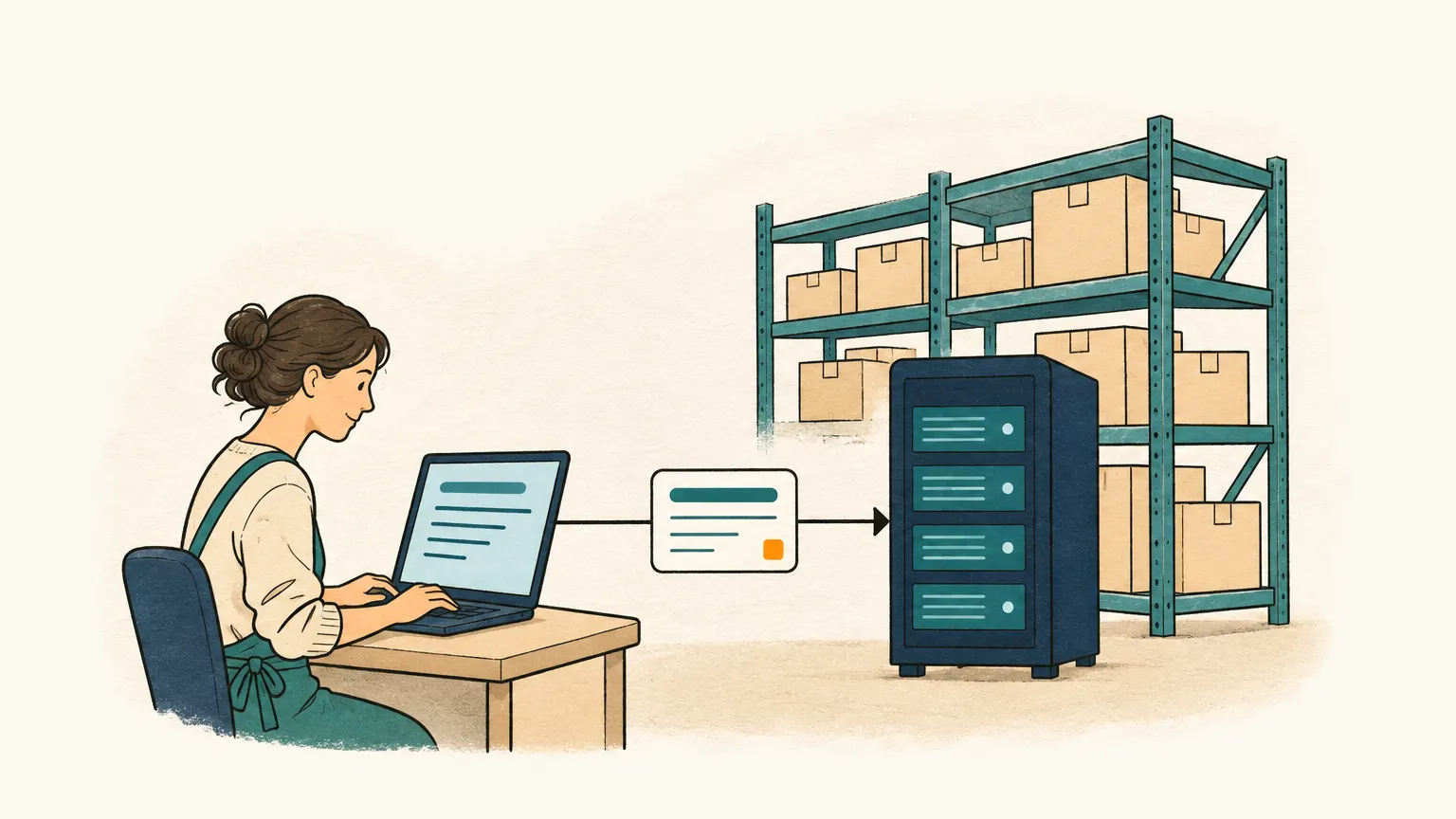
Onshop checks your order mailbox regularly and reads every new e-mail and its attachments, even when no one is at their desk. If the message is an order, a draft is created: the customer is identified, lines are matched to your products, and every line is linked to its original place in the e-mail. The next available staff member reviews and confirms the order instead of typing it manually. Response times no longer depend on who is available to type lines at that moment.
Every message in the Onshop inbox has a status: new, order created, or not an order. Drafts awaiting review are clearly marked. This prevents orders from disappearing among invoices and newsletters.
Sending a reply to the customer takes one click. The order confirmation is sent as a PDF via e-mail or through the WhatsApp chat where the order originated. If information is missing, Onshop suggests a question in the customer’s original language, and the answer updates the existing draft. Customers can also use a status link to see the progress of their order without calling.
See your own response time
The “Impact” page in Onshop reveals how fast your team actually is. It measures the processing time from the moment a message arrives to the acceptance of the order for a specific period and provides the median. You see more than just one successful Monday; you see the typical value across sick days, holidays, and peak times, and whether this value becomes shorter and more consistent after you start.
What Onshop does not take off your hands
Onshop does not send anything automatically. Every question and confirmation is only sent after a member of your team has reviewed and approved it. Automatic confirmation of unambiguous orders is planned. Until then, you still need a person to check the inbox regularly. The difference is the workload: you have a completed draft to verify instead of an e-mail to type up.
Detailed information on how Onshop reads e-mails, PDF attachments, and photos can be found under Orders from e-mail. The process following confirmation, including status, status updates, and invoices, is described in Order management software.