Onshop

Order entry and order processing software

Order management for small businesses and wholesalers that receive orders by e-mail. AI drafts, your review, free to start.

An employee with curly red hair checking a document next to her screen, with incoming letters, a phone and packed parcels on the shelf around her.

Where order processing really takes time

Search for order management software and you mostly find ERPs and inventory systems. These programs handle an order once it has already been entered into the system, generating invoices and delivery notes, booking stock, and tracking open items. However, they rarely address the step before that, which is where small and medium-sized businesses spend most of their time.

In many companies, orders do not arrive via an interface. Instead, they arrive as e-mails containing a few lines of text, a photo of a list, or a PDF from the customer’s own system. Before the inventory system can be used, a staff member must read the e-mail, find the customer, match each line to a product, and type everything in manually. When you receive twenty orders a day, this becomes a significant part of the workday.

Onshop is designed specifically for this step. It is not another inventory system; it converts the orders in your mailbox into checked orders that you can then process further.

From mailbox to draft order

You connect the mailbox where your orders arrive. Onshop checks it regularly, reads every new e-mail and its attachments, and determines if it is an order. Each order is then turned into a draft containing the customer and the line items.

Onshop identifies the customer by their name, company domain, or sender address, and matches products using the exact name from your catalogue or the item number. Anything ambiguous remains clearly marked: a customer that could not be identified unambiguously or a line marked as “not matched”. You can see the specific passage from the attachment or e-mail next to every line. This allows you to verify the data against the source instead of relying on your memory.

Questions are part of order processing

Communication makes up a large part of processing an order. A unit might not fit, a product could be ambiguous, or a quantity might be missing. Onshop identifies these issues and can draft a reply to the customer with a single click to ask for clarification. You send this reply through your own mailbox directly from Onshop. The software then links the customer’s response to the order and updates the draft. This keeps the entire case in one place rather than scattering it across sticky notes, the inbox, and the inventory system.

You are the only one who confirms an order. Onshop makes a suggestion, but you make the decision.

What happens to the confirmed order

Confirmed orders can be exported as a CSV file with one row per line item. Two formats are available: a technical version for importing into other systems and one that opens correctly in Excel with decimal commas, semicolons, and umlauts. You can filter these exports by customer, period, and status. Direct integration to hand orders over to your ERP or inventory system is planned; until then, the CSV export serves as the bridge.

Built for small businesses

Onshop does not require an implementation project. You can sign up, connect a mailbox, and review your first draft free of charge. You upload your customers and products via a CSV file, such as one from your inventory system or Excel; a preview shows you what will be created or changed before the import starts. Onshop still works if your catalogue is initially empty, in which case the lines simply remain as text in the draft.

The interface is available in English and German, accessible via a browser on a phone or desktop. This is a practical feature, as it allows someone on the road to confirm and review a draft between appointments.

Placeholders replace your customers’ personal data before any request is sent to the AI model. Further details on this process are described under AI and data protection.


How it works

  1. 01

    The order comes in

    Your customer orders the way they always do: an e-mail in free text, a PDF attachment or a photo of a handwritten list. Onshop regularly collects the messages from your order mailbox (IMAP). Orders sent via WhatsApp will arrive the same way.

    Orders via WhatsAppplanned

    A carpenter in a sand-coloured work shirt at his workbench sends an e-mail and a photo of his order list from his smartphone.
  2. 02

    AI drafts the order – or asks

    Onshop reads the text and the attachments, matches customer and products with your master data and creates a draft order. For every line you see the passage in the message it was taken from. If something is missing or unclear, such as a size or a pack unit, Onshop suggests a question to the customer. You send it, and the reply completes the same draft.

    An employee at a laptop: a handwritten note on the left, a tidy order list on the right, lines connecting them; a speech bubble with three dots goes back.
  3. 03

    You confirm the order

    Message and draft sit side by side. You correct what is wrong, add what is missing and confirm the order. Today no order is accepted without your confirmation. If you want orders from known customers to go through without review, you will be able to set that up yourself later.

    Automatic confirmation without reviewplanned

    A woman with dark curly hair in a teal blouse reviews an order list on a tablet and ticks it off.
  4. 04

    The order is in your order management

    Onshop keeps confirmed orders in one overview: customer, lines, status and the original message stay together. If you have no merchandise management system, you simply keep working here. You can export the orders as a CSV file at any time, for example for Excel.

    An older man with glasses in a navy cardigan looks at a list of orders with status markers on his monitor.
  5. 05

    Handover to your merchandise management

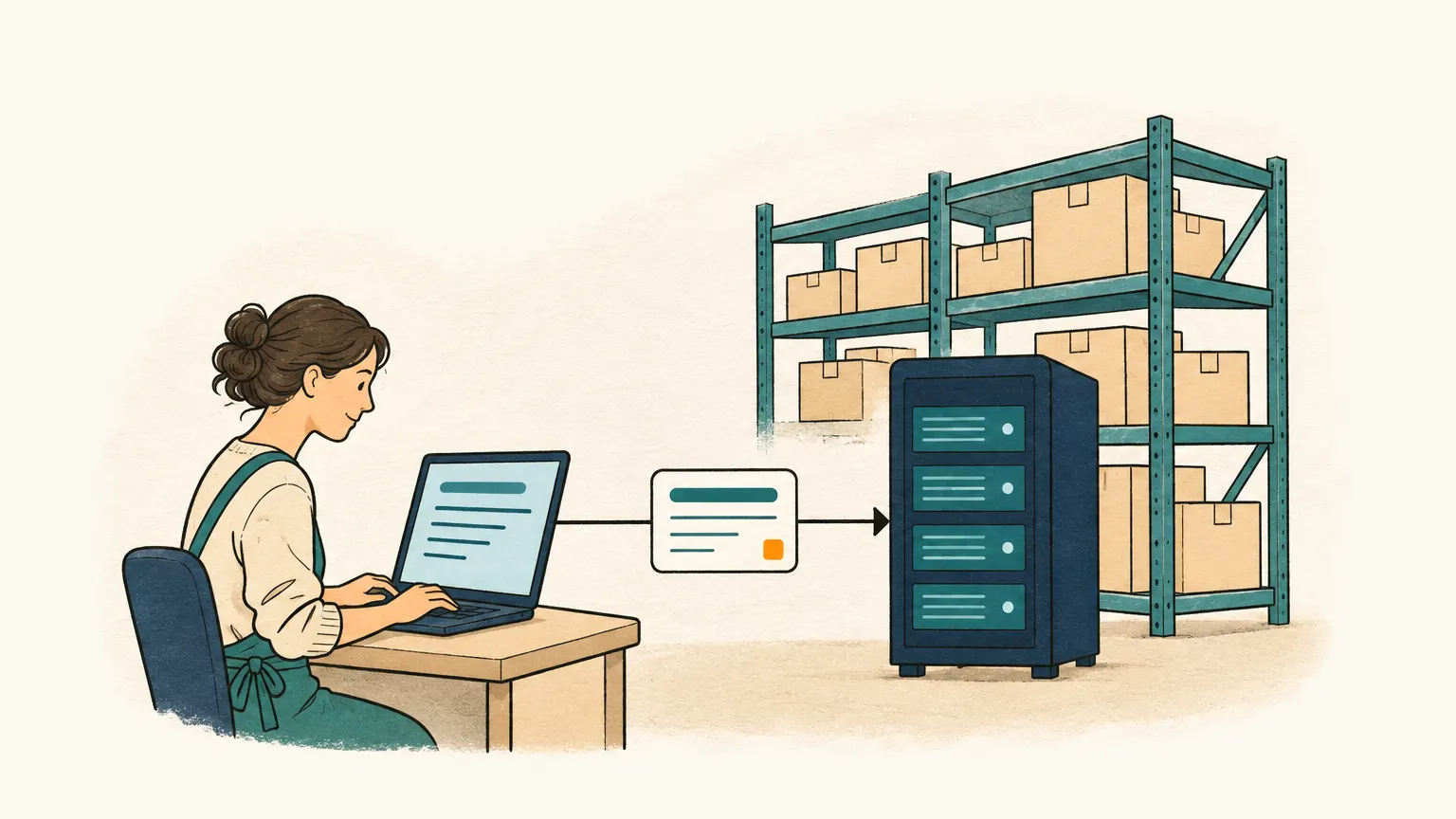
    If you work with a merchandise management system or an ERP, the confirmed order is meant to go there without anyone typing it in. Until that connection is ready, you take the orders over with the CSV export.

    Direct handover to merchandise management and ERPplanned

    An order card travels from a laptop to a server cabinet in front of warehouse shelves with boxes.

E-mail

From
Jane Sample, Sample Ltd
Subject
Order for next week

Hello Ms Berger,

please deliver by Friday 1200 wood screws 4×40 (ART-1042), 212 boxes of wall plugs 8 mm and 35 rolls of the same tape as last time.

Thank you, Jane Sample

Draft order

CustomerSample Ltdmatched

  1. 1Wood screw 4×40Item no.: ART-1042Quantity: 200 pcs
  2. 2Wall plug 8 mm, boxItem no.: ART-2210Quantity: 12 box
  3. 3Adhesive tapeItem no.: not matchedplease checkQuantity: 5 roll
ExampleExample with made-up data: reviewing a draft. Each line of the order carries the same number as the highlighted passage in the e-mail it was taken from.

Available now and next

Available now

  • Orders from e-mail (IMAP mailboxes)
  • Attachments: PDF files and images (photos, scans)
  • AI recognition with the source passage for every line
  • Matching with your customers and products
  • Review and correction of the draft order
  • Import of products and customers from CSV files (e.g. from Excel), export of orders as CSV
  • Anonymisation of personal data before every AI request
  • Interface in German and English
  • Works on the phone as well as on the desktop

Next

  • Orders from WhatsAppplanned
  • Voice messagesplanned
  • Handing orders over to your inventory system or ERPplanned
  • Own inventory and CRM functions for businesses without such a systemplanned

Plans

  • Free

    free

    • Orders from your e-mail mailboxes
    • All features for reviewing draft orders
    • Orders from WhatsAppplanned
    Start free
  • Standard

    on request

    • Everything in Free
    • Terms by arrangement
    Contact us

Try it with your own e-mails

Sign up, connect a mailbox and review the first draft order.