AI and data protection in order entry
How Onshop protects customer data: text recognition on our own servers and placeholders instead of names and addresses before every AI request.
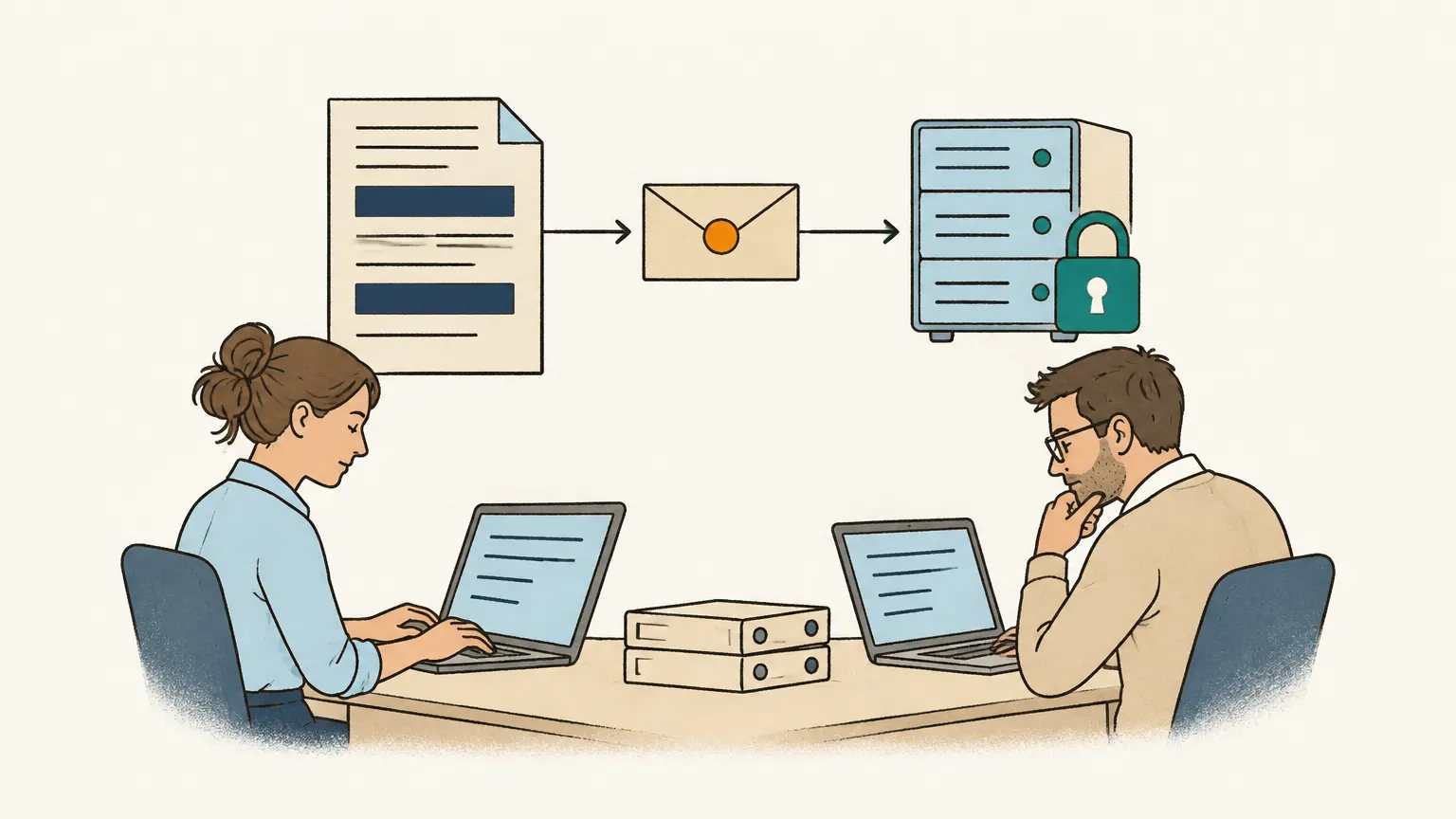
What an order e-mail contains
Consider a typical order: “Hello Ms Berger, please deliver by Friday to our site at 12 Linden Street, Cologne. The contact on site is Mr Kaya, 0171 2345678. Best regards, Jane Sample, Sample Ltd.” This is often accompanied by a signature containing a direct phone line, an e-mail address, and occasionally bank details.
These few sentences include four different names, a company, a mobile number, and a delivery address. For the purpose of the order, the most important detail is usually who placed it. Anyone using AI to process orders must first clarify one point: which data is sent to an AI provider, and what happens to it there?
Onshop handles text, images, and PDF files by sending only disguised content. This is how the process works, including its limits.
The path of an e-mail through Onshop
The first stage occurs before any AI is used. We use our own text recognition, running on our own servers, to convert scans, photos, and PDFs without a text layer into text. We also extract text from digital PDF files ourselves. No files are sent to an AI model; only the extracted text is used.
Next, one of our own services scans the e-mail text and attachments for personal information, such as phone numbers, names, addresses, e-mail addresses, and IBANs. This service uses patterns for data with fixed formats and a language model running on our servers for names and addresses. It also references the phone numbers, e-mail addresses, and names in your customer data so that unusual customer names are detected too.
In the third stage, every identified detail is replaced by a placeholder. “Mr Kaya, 0171 2345678” is changed to something like [[PERSON_2]], [[PHONE_1]]. Product names from your catalogue remain unchanged, as “wood screw 4×40” is not personal data and the model requires the name to process the line.
Only this modified text is sent to the cloud-based AI model in the fourth step. The model receives an order containing placeholders and returns a draft order that also contains placeholders.
Finally, we restore the original details on our servers in the fifth step. The mapping that links a placeholder to a specific name exists only for that single request and is not stored. Your draft order is then populated with the real names again.
What we say openly
Automatic detection is not flawless. A phone number with an unusual format or a name that resembles a common word might be missed. While placeholders significantly limit what an AI provider sees, they cannot provide a guarantee for every individual case. We believe this is a more honest approach than making a blanket promise.
Audio attachments are currently an exception. Because we do not yet operate our own speech recognition, voice messages are sent to the AI model as files. This is planned for the future; until then, the process described above applies only to images, PDF files, and text.
Who talks to the AI provider
A single central Onshop service holds the access keys to the AI provider. Every request passes through this service, which is also where the placeholder replacement occurs. Your Onshop instance does not hold a key and never communicates directly with the AI provider. This ensures no request can bypass the process described above.
Your data resides in your own instance, featuring its own sign-in and database schema. Other Onshop customers cannot see it.