AI order entry: orders from e-mail, PDF and photos
AI order entry for small and medium businesses: Onshop reads orders from e-mails and attachments, you review the draft and confirm.

Reading documents, not just storing them
Under labels such as intelligent document processing or document capture, programs are offered that read invoices, delivery notes and purchase orders. Older solutions work with templates: for each form you define where the customer number, item and quantity are. That works well as long as the documents always look the same, for instance with large customers using a fixed order form.
Orders received by small and medium businesses rarely look the same. One customer writes two lines in the e-mail body, the next attaches a PDF from their ERP, a third photographs their list on site. Such orders don’t need templates but a method that understands the content. That is what Onshop uses a language model for.
What Onshop does with an order
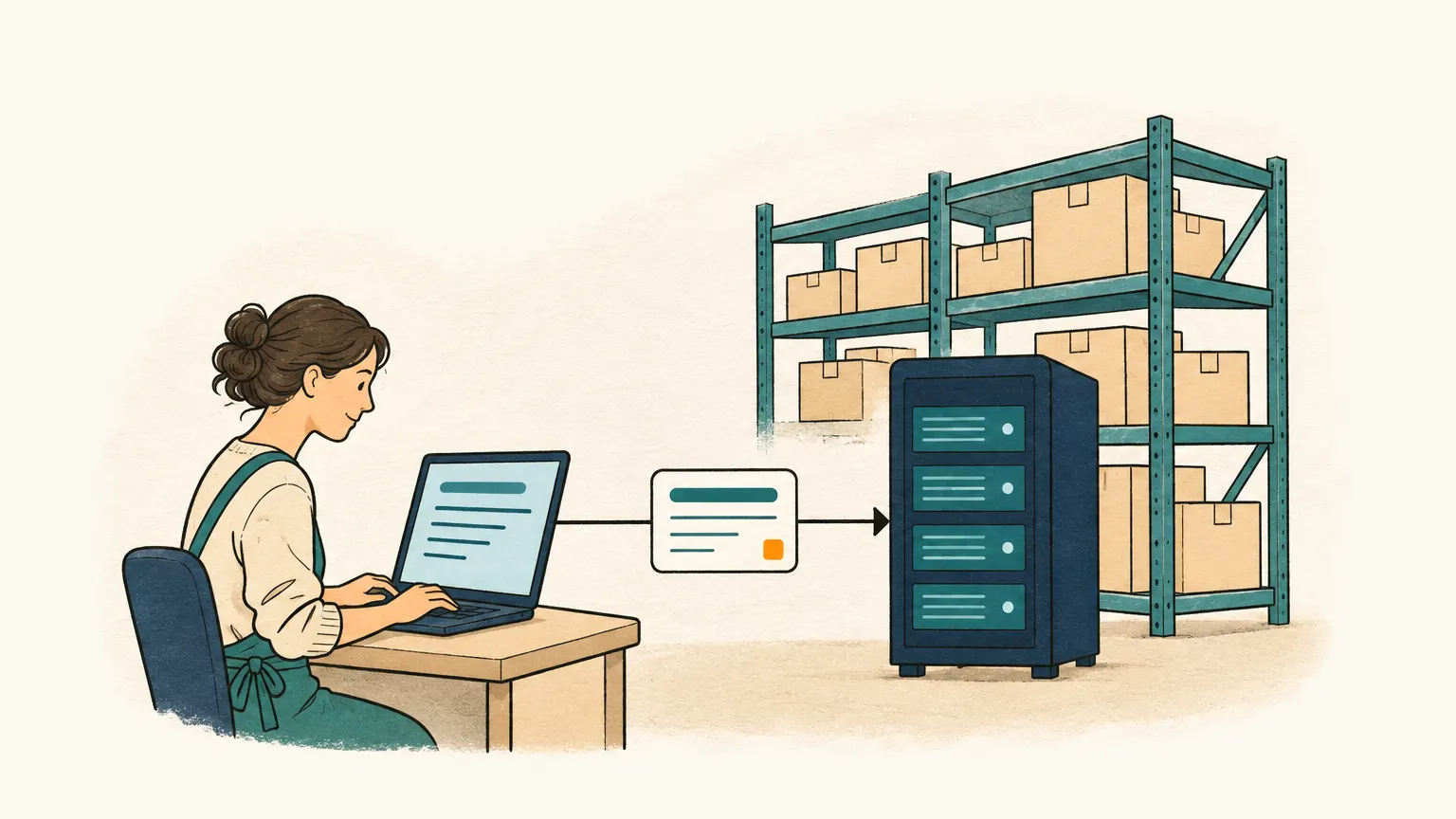
Onshop checks your order mailbox regularly and decides for each new e-mail whether it contains an order. If so, a draft order with customer and line items is created. PDF attachments with a text layer are read directly; scanned PDFs and photos first go through text recognition on our own servers.
Onshop recognises the customer by sender address, company domain or name, and matches the lines to your catalogue by item number or exact name. For each line you see the passage in the e-mail body or attachment it came from, highlighted. Anything that can’t be matched clearly stays marked. Onshop doesn’t guess: an open marker is cheaper than a wrong item on the delivery note.
Questions and answers in the same order
If details are missing, such as quantity, version or unit, Onshop drafts a reply to the customer at the click of a button that asks exactly about those points. You check the text and send it from your own mailbox. When the customer replies, Onshop recognises the connection and completes the existing draft instead of creating a new order. Only a person on your team can confirm an order.
Customer data stays protected
Before any text goes to the language model, Onshop replaces names, e-mail addresses, phone numbers, addresses and bank details with placeholders. Text recognition for photos and scans runs on our own servers; images are not sent to the language model provider. The answer is then merged back with the real values, so you see the right data in the draft. More on AI and data protection.
Start without a project
Onshop needs no templates and no implementation project. You sign up, connect your mailbox and upload products and customers by CSV. You export confirmed orders as CSV for Excel or your inventory system; a direct integration is planned, as are orders via WhatsApp and voice messages. What this looks like for a single e-mail is shown in Capture orders from e-mail automatically.