Orders via WhatsApp: the official way, not the risky one
Your customers order via WhatsApp with text, photos and voice notes. Onshop turns them into draft orders through the official WhatsApp Business Platform.

Where your customers already write
Friday afternoon, a roofer on a building site realises the screws won’t last. He doesn’t open an e-mail app. He opens WhatsApp, takes a photo of the empty box and types “2 of these by Monday”. Ten minutes later a voice note follows, because he has remembered the cover strips too.
Choosing WhatsApp is no accident. According to a representative Bitkom survey from 2026, 85 percent of internet users aged 16 and over in Germany use WhatsApp, while Telegram reaches 22 percent. In Switzerland the IGEM-Digimonitor 2026 counts WhatsApp at 96 percent of internet users aged 15 to 75 and Telegram at 20 percent. In Austria, the Digital News Report 2025 found that a little over seven in ten adult internet users had used WhatsApp in the week before the survey. If you work with tradespeople, retailers, restaurants or field sales reps in Germany, Austria or Switzerland, you reach them where they also write to family and colleagues.
Convenient for the customer, work for you
For the customer, WhatsApp is the easiest way to order. For your business it means the order arrives as free text, a photo or a voice note, often a mix of all three spread over several messages. “Same as last time”, a photo of an old delivery note, a correction half an hour later. Nobody fills in a form in WhatsApp.
Telegram takes a different approach. Its open bot interface lets any business build a bot with little effort that asks for items and quantities through buttons and menus — the order then arrives already structured. The trouble is that your customers are hardly there. And the WhatsApp Business app, which most small businesses use, has no interface at all: whatever arrives in the chat, a person reads and types into the inventory system.
Why WhatsApp Business is worth it
The WhatsApp Business app is free and set up in a few minutes. You download it, confirm your business number and fill in the profile with address and opening hours. It also brings tools that help day to day: a product catalogue, quick replies for recurring questions, an away message and labels that let you mark chats as, say, “new order”. Business and private messages stay apart, and the customer sees a company profile instead of a private mobile number.
For many businesses this number has become the most important line to their regular customers. That is exactly why it pays to look closely at how it gets connected to software.
The grey route and its price
Because the app itself has no interface, there are unofficial libraries that imitate WhatsApp Web. They log in to the account like a second browser, read chats and send messages. Some chat tools are built on them, because it is quick and needs no review by Meta.
WhatsApp’s terms of service prohibit access through unauthorised software, and accounts caught doing so are banned temporarily or permanently. For a business, the worst case looks like this: the number printed on business cards, vans and invoices no longer works in WhatsApp. Regular customers write into the void, ongoing arrangements break off, and whether and when the ban is lifted is for Meta alone to decide. A ban comes without warning, and it also hits businesses that only wanted to capture their orders a little more conveniently.
How Onshop connects WhatsApp
Onshop takes the official route. Your number is connected through Meta’s WhatsApp Business Platform in what is called coexistence mode: the WhatsApp Business app on your phone keeps working as before, and you keep chatting with your customers there. In parallel, the messages arrive in Onshop. You don’t need a blue tick or Meta Verified for this.
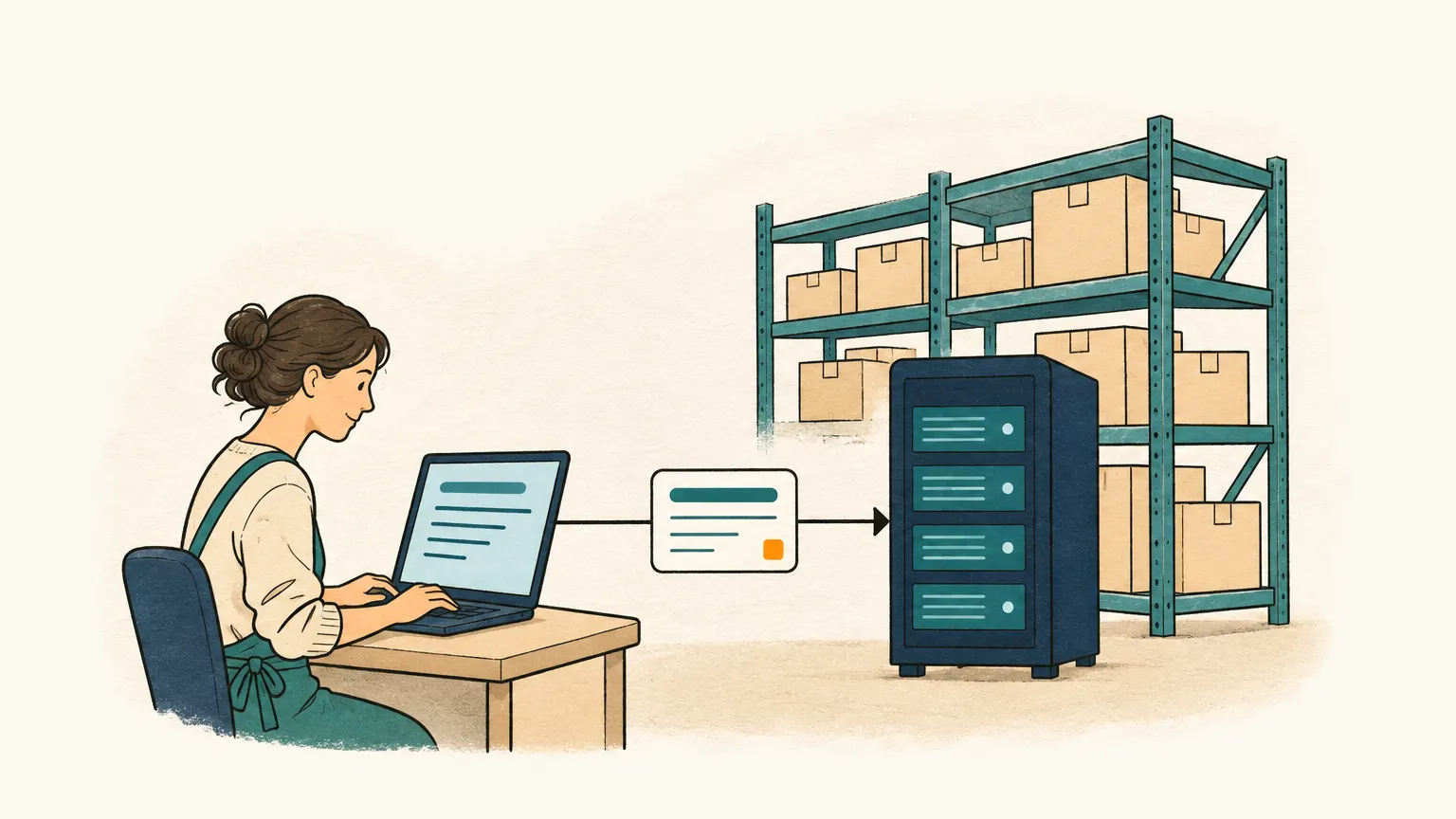
Onshop groups the messages of a chat into one order, reads text, photos and scanned delivery notes and creates a draft order with the customer and lines from your catalogue. It recognises the customer by their phone number. If something is missing, Onshop prepares a question that you review and send straight into the chat within 24 hours of the customer’s last message. If the customer writes again later, Onshop updates the existing draft instead of creating a new one. Onshop cannot read voice notes yet. Every order is confirmed by someone on your team.
The WhatsApp connection is currently being tested together with Meta and is not yet enabled for all accounts. How Onshop protects your customers’ data before any AI gets to see it is described in AI and data protection in order entry.