Warehouse management: software for small warehouses and wholesalers
What warehouse management software does, when a dedicated warehouse management system is worth it and how orders reach the warehouse faster.
Stock, location, movement
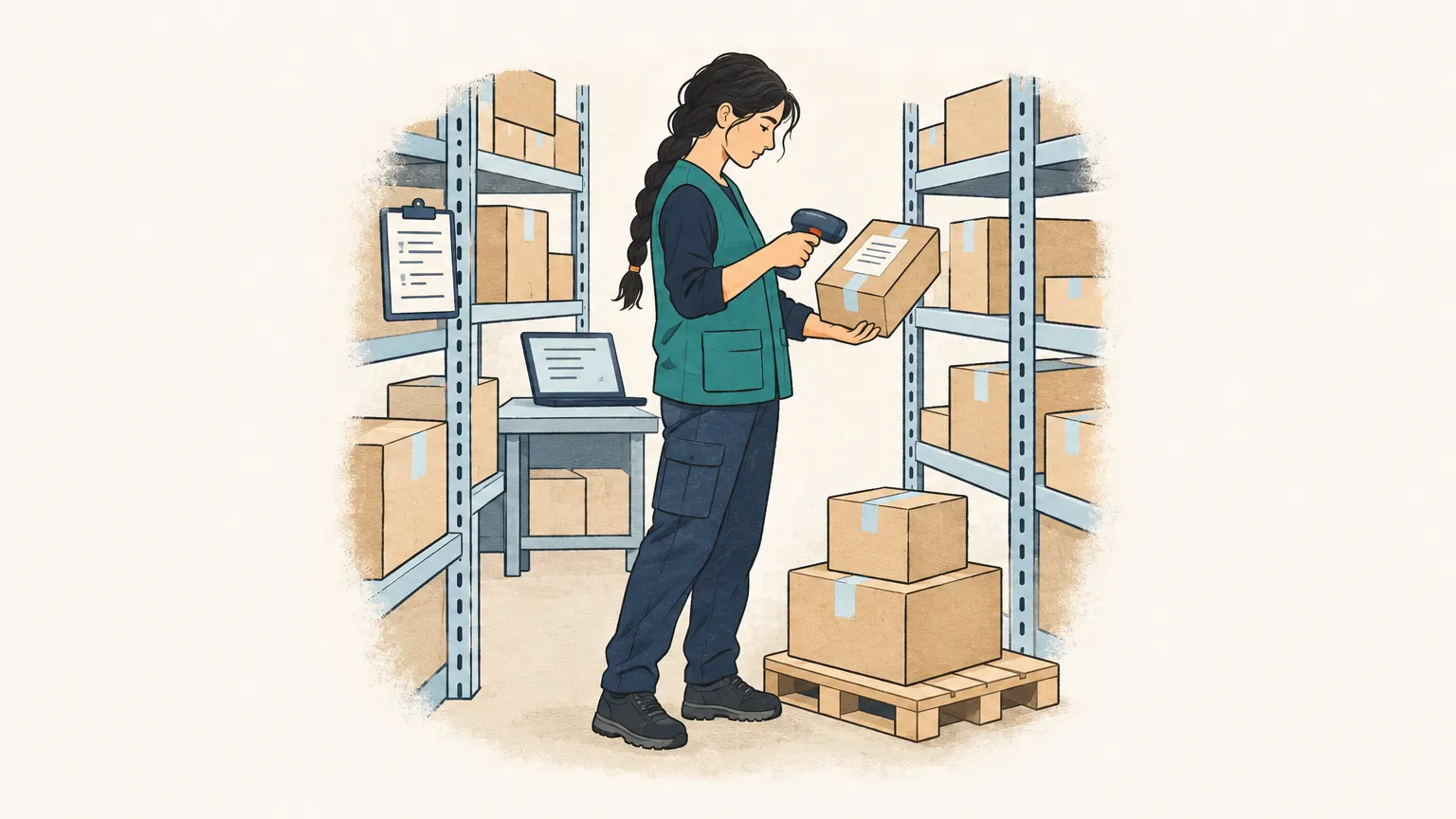
Warehouse management answers three questions: what is there, where is it, and what has moved? In small businesses the inventory system often covers this. It knows the stock per item, books it out with every delivery note and in with every goods receipt. Anyone who needs more order works with fixed storage locations: every bin has a number, and the software knows which item lies in which bin.
A dedicated warehouse management system (WMS) goes further. It controls the work in the warehouse itself: pick lists by walking route, scanning when putting away and picking, random-location storage, stocktaking with a handheld scanner, batches and best-before dates by the “first expired, first out” principle. For a warehouse with a few hundred items and a handful of staff that is usually more than needed. For a wholesaler with thousands of items and several packing stations it pays off.
When a dedicated system is worth it
Errors are a good indicator. If wrong items are shipped regularly, stock in the software doesn’t match the shelf or stocktaking takes days, the warehouse lacks structure. Then storage locations, scanners and fixed routines help, and the question of a dedicated system becomes serious. It is important that it is tightly linked to the inventory system: orders, items and stock must not be maintained twice.
Just as important is the start of the chain. A warehouse can only work as fast as the orders reach it. If an order sits in the mailbox until noon because the sales office hasn’t entered it yet, the fastest picking process doesn’t help much.
Faster from mailbox to warehouse
Onshop does not manage a warehouse or keep stock. It makes sure that orders arriving by e-mail become orders faster. Onshop reads the order mailbox regularly, including PDFs, scans and photos attached, and creates draft orders with customer and lines from your catalogue. Units such as carton, packaging unit or piece are recognised; if a unit doesn’t fit the item, an open question appears on the order. So three cartons don’t accidentally become three pieces, and the warehouse receives what the customer really ordered.
You export confirmed orders as CSV for your inventory system, and from there they go to the warehouse as usual. A direct integration is planned. More on order entry for wholesalers is on Order entry for wholesalers.