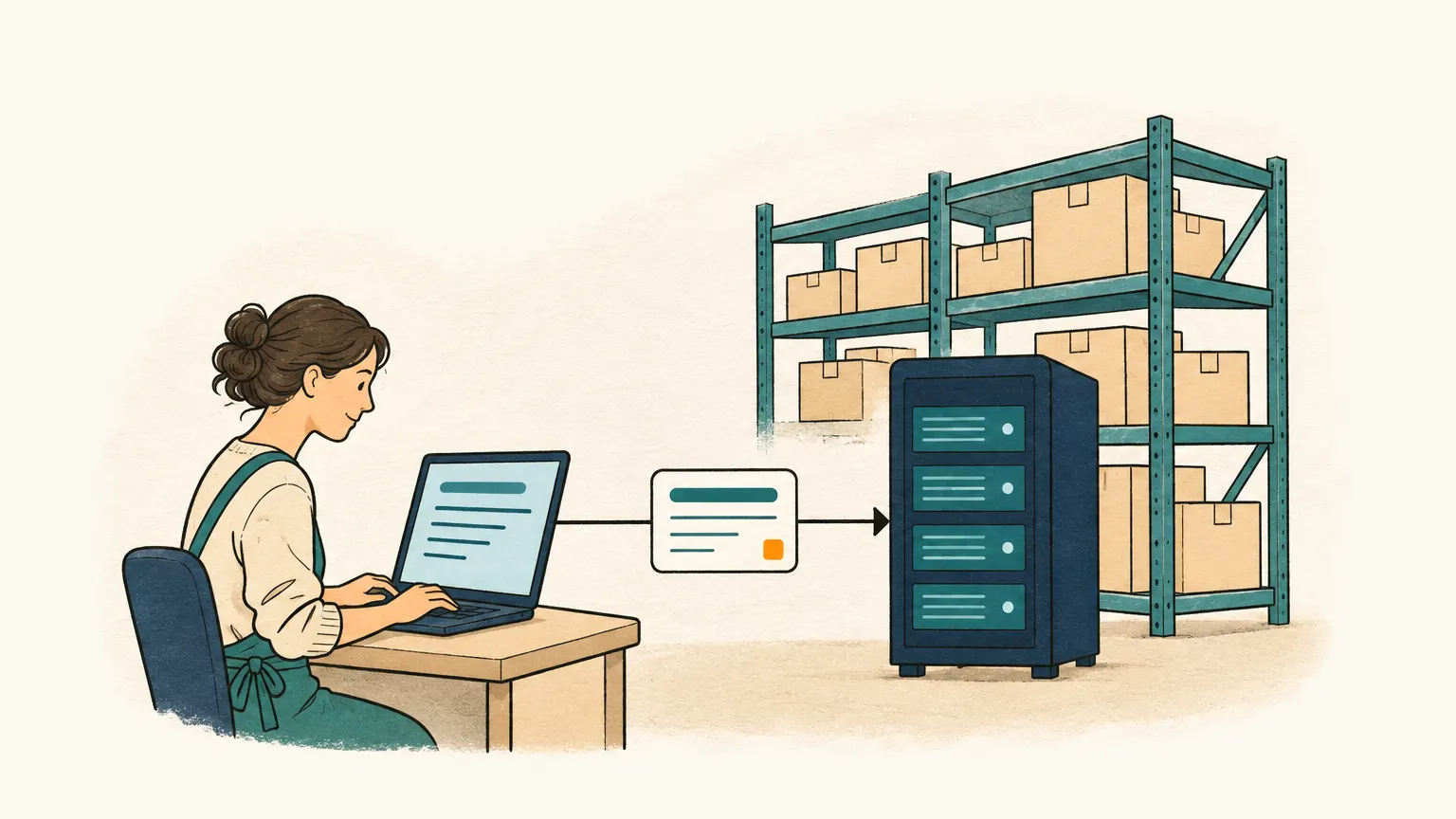
Order entry for wholesalers
Wholesalers receive orders by e-mail, PDF and photo. Onshop turns them into draft orders with your item numbers and asks back when something is unclear.

B2B shops cannot reach every customer
Many wholesalers have launched B2B shops recently or use EDI for their largest clients. While this works for some, other customers stick to their long-standing habits. A restaurant owner might send an e-mail on Sunday evening listing what the kitchen needs. A plumber may send a photo of a handwritten materials list. An industrial buyer might attach a PDF from their own ERP system, using their own product names rather than your item numbers.
These customers generally avoid logging into a shop, and trying to force them to do so rarely works. Their orders are often small but arrive frequently. For sales support, this creates a repetitive daily workload: opening the e-mail, identifying the customer, searching for every product in the system, entering the quantity and unit, and repeating the process.
Checking instead of typing
Onshop regularly monitors your order mailbox and generates a draft for every order, including attachments such as PDFs, scans, or photos. Instead of starting the day with a mountain of e-mails, your sales support team begins with a list of completed drafts ready for review.
The system matches lines to your catalogue using your item number or the exact product name. When a customer provides the item number, the match is clear. If they use a different term, such as their own internal product name, the line remains marked as “not matched”. You then select the correct product to clear the mark. Onshop avoids guessing because, in wholesale, a wrongly matched product is more costly than one clearly marked as unknown.
Handling mismatched units
Units of measure are a frequent source of errors in wholesale. A customer might order “3 boxes” when the product is managed in pieces. They may use German abbreviations like “Ktn”, “VPE”, or “Stk.” for carton, packing unit, and piece. Onshop recognises these common spellings and maps them to the units in your catalogue. If the ordered unit still does not match the product’s unit, Onshop flags it as an open question on the order. This prevents someone from accidentally entering three pieces instead of three boxes.
Resolving questions without phone tag
Clarifications are a standard part of the wholesale workday. Rather than calling or writing an e-mail manually, you can let Onshop draft a reply. This draft lists only the open points, such as the intended product, quantity, or unit. You review the text and send it through your own mailbox via Onshop.
When the customer replies, the message does not appear in the inbox as a new order. Onshop identifies that the response belongs to your specific question and updates the existing draft. You then confirm it like any other order.
Identifying customers
Onshop identifies the customer based on the sender’s address, the company domain, or the name mentioned in the e-mail. For senders using public providers like Gmail or Outlook, the system does not match by domain to prevent all Gmail users from being assigned to the same account. You can import your customers, including customer numbers, contacts, and e-mail addresses, from your inventory system using a CSV file.
Working with your inventory system
Onshop is not a replacement for an ERP or inventory system. It handles the preceding step: converting an order in your mailbox into a verified order. You import products and customers via CSV and export confirmed orders as CSV files, formatted for Excel or in a technical format for your system. Direct transfer of orders to your ERP or inventory system is planned, as is the processing of orders via WhatsApp, a channel many customers already prefer.