Field sales software: capturing orders on the road
What a field sales app does for sales reps, why many orders still reach the office by e-mail and how the sales office enters them faster.
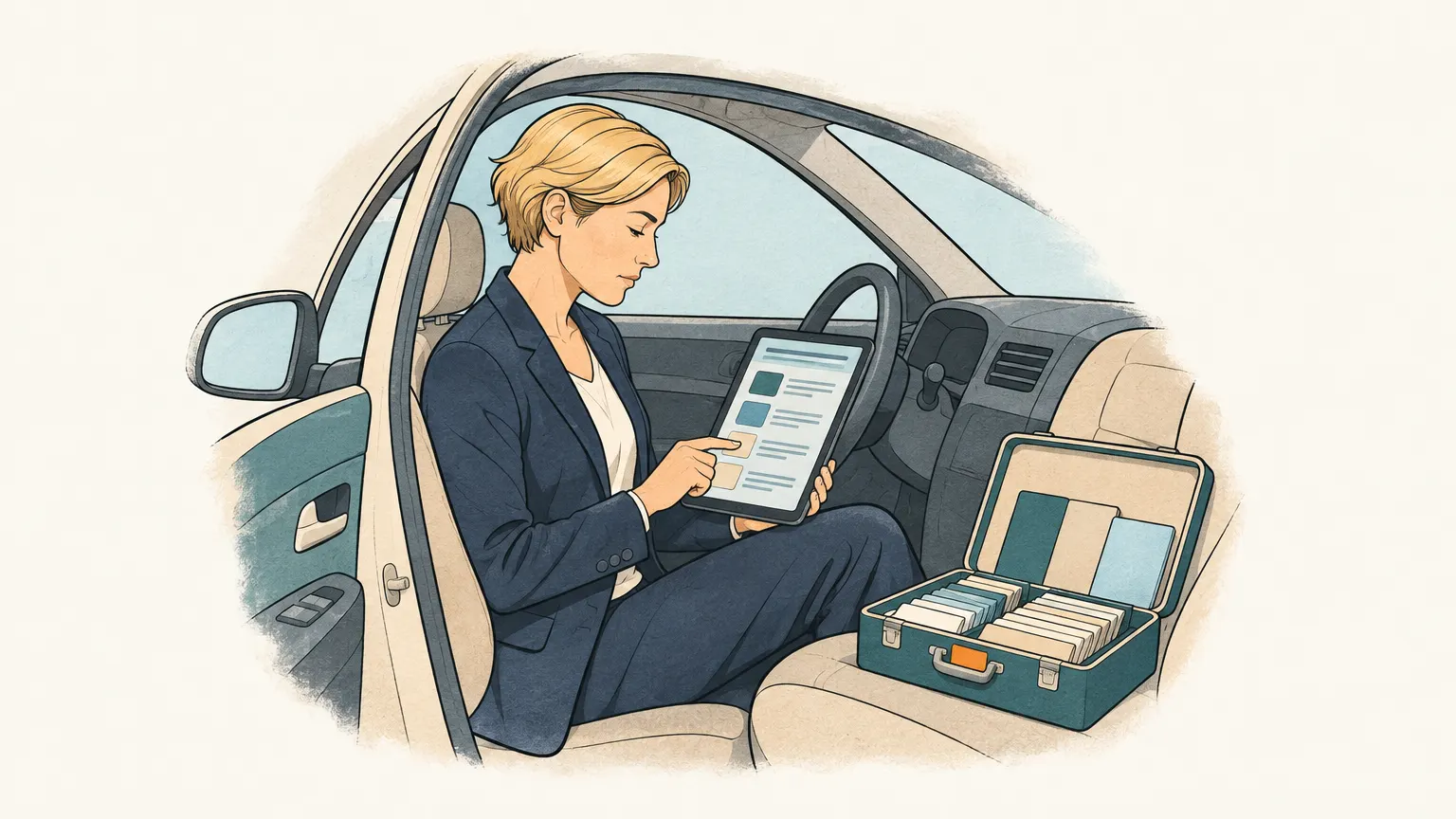
The rep at the customer’s
In wholesale and at manufacturers with their own sales force, field reps visit customers regularly: the specialist dealer, the restaurant, the business that has bought the same items for years. During the visit they talk about new products, check the stock on the shelf and take an order at the end. Once on a notepad, today often on a tablet.
A field sales app brings along the catalogue with pictures, the customer’s prices and terms, their recent orders and open items. The order is entered directly in the app and sent to the inventory system, ideally also without a signal in the customer’s basement, syncing once there is reception again. On top come route planning, visit reports and reports for sales management, and in many solutions a CRM function for contacts and appointments.
What matters when choosing
The link to the inventory system is decisive. An app whose items, prices and stock are not up to date quickly loses the reps’ trust, and then they go back to paper. Offline capability matters too, as does an interface that is still quick at the third customer of the day, and whether the app can also serve customers themselves as an ordering portal.
What still arrives by e-mail
Even with the best app, part of the orders reaches the sales office another way. The rep photographs the customer’s handwritten list and e-mails it to the office. The customer reorders between visits, by e-mail or with a PDF from their system. Or the rep forwards a batch of customer e-mails in the evening. In the office, someone then types it all in.
Onshop is not a field sales app; it takes care of exactly these orders. It reads the mailbox they arrive in, including photos, scans and PDFs attached, and turns them into draft orders with customer and lines from your catalogue. Anything unclear stays marked, and the sales office reviews and confirms. The interface also works on a smartphone, so a draft can be reviewed on the road. Orders via WhatsApp, which many reps and customers already use, are planned. How Onshop reads photos and scans is described in Capture orders from PDF, scans and photos.