Shipping and multichannel software: orders from every channel
What shipping software and multichannel tools do for traders and manufacturers, and how orders by e-mail join the same process.
Many channels, one warehouse
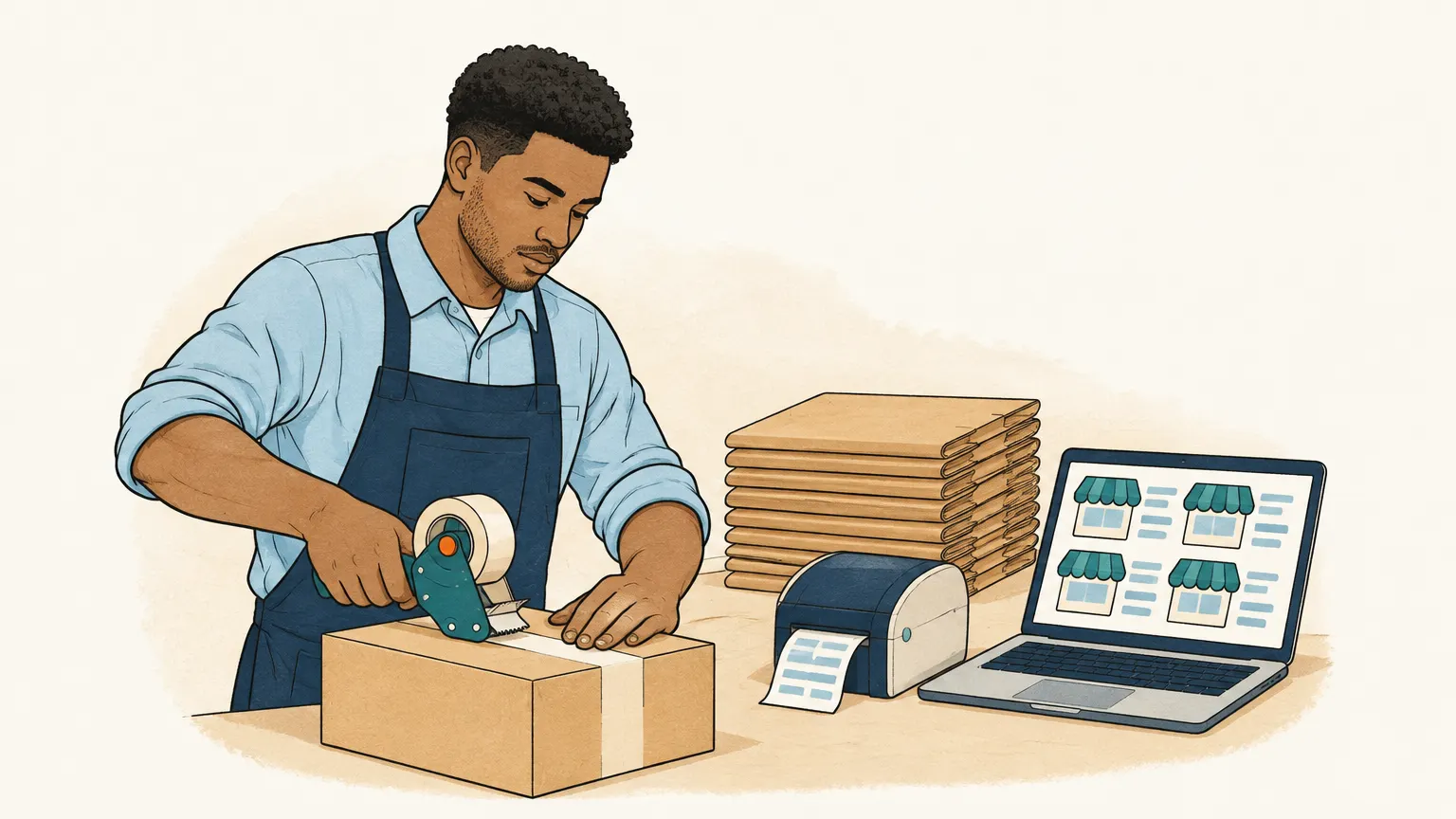
Anyone selling today rarely sells in one place only. A manufacturer has their own online shop, is present on one or two marketplaces, supplies dealers and also receives orders by e-mail and phone. Multichannel software brings these channels together: it fetches orders from the shop and marketplaces, syncs stock across all channels so the same item is not sold twice, and reports shipping status and tracking number back to the channel.
Shipping software comes in after that. It creates shipping labels for the carriers you choose, picks the right service by weight and destination, prints delivery note and label in one step and notifies the customer about the shipment. For small volumes the carrier’s own portal is often enough. From a few dozen parcels a day, software that knows the order saves noticeable time at the packing table.
What matters when choosing
Both kinds of software sit between the channel and the inventory system. What matters is which shops, marketplaces and carriers they connect to and how they pass orders to the inventory system. Some inventory systems include multichannel and shipping functions themselves; for others there are specialised providers. Watch out for pricing per order or parcel, which quickly becomes decisive as volume grows.
The channel no interface picks up
Marketplaces and shops deliver orders through an interface, structured and complete. An order by e-mail doesn’t arrive in any multichannel software by itself. Dealers and business customers who don’t order in the shop simply write a message, attach a PDF or send a photo of their list. The sales office enters these orders by hand before they can make their way to the packing table.
Onshop takes care of this channel. It reads the order mailbox, including PDFs, scans and photos attached, creates draft orders with customer and lines from your catalogue and marks anything unclear. For missing details it prepares a question for the customer. After your review you export confirmed orders as CSV, for instance into your inventory system, from where they go to shipping like the other channels. Onshop does not create shipping labels itself. A direct integration with inventory systems is planned, as are orders via WhatsApp. To get started, read Capture orders from e-mail automatically.