E-invoicing in Germany: ZUGFeRD and XRechnung from the order
Invoices as ZUGFeRD PDF and XRechnung from the confirmed order: gap-free numbers, sent by e-mail or WhatsApp, cancellation invoice instead of edits.
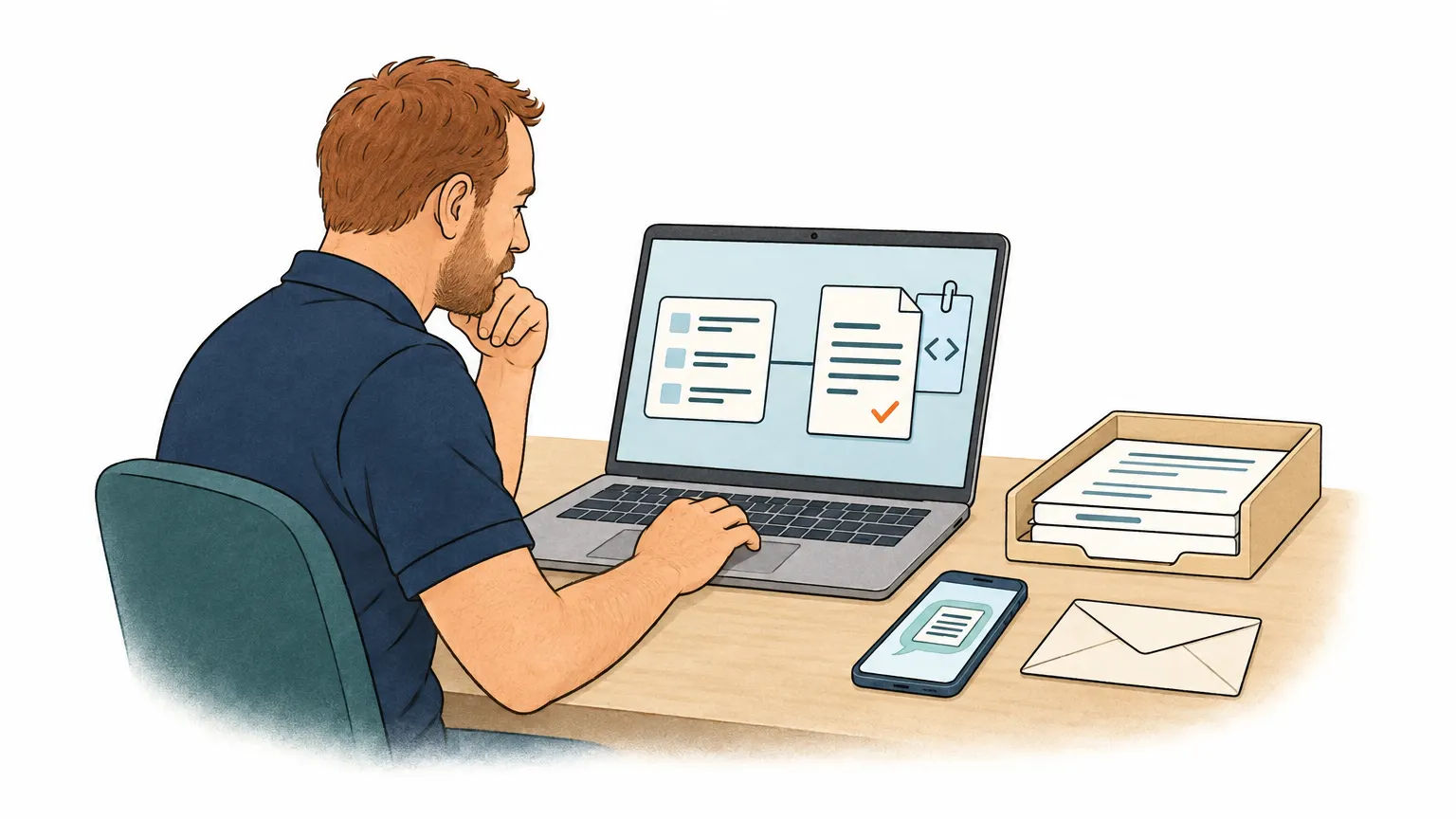
Entering the same data three times
A customer sends an order by e-mail, your sales support enters the details and sends a confirmation. After the goods ship a few days later, the manual work starts again: you type the customer, items, quantities and prices into your invoicing software, save the invoice as a PDF and e-mail it. This repetition creates opportunities for errors at every stage, and the same information ends up stored in three different places.
Now e-invoicing is also a factor. Since 1 January 2025, German companies must be capable of receiving e-invoices from other businesses. As things stand, companies with more than 800,000 euros in turnover in the previous year must also issue e-invoices starting 1 January 2027, while all businesses in domestic B2B trade must do so from 1 January 2028. A plain PDF will then no longer count as an e-invoice. These regulations refer to structured formats like XRechnung (a standalone XML file) or ZUGFeRD (a PDF with embedded XML data). You should consult your tax adviser to determine if and when these obligations apply to your specific business.
Invoices based on orders
Onshop uses the confirmed order as the foundation for the invoice. Because the customer, line items, prices and VAT rates are already present, you simply click “Create invoice”. Onshop assigns the next number based on your chosen scheme, such as RE-{yyyy}-{000nr} for RE-2026-0001, ensuring no gaps and resetting the counter each year. You configure your payment terms once in the settings. The invoice shows the confirmed delivery date or, if none exists, the invoice date with a corresponding note.
Every invoice is generated in two formats. The ZUGFeRD PDF follows the EN 16931 profile as a PDF/A-3, making it readable for humans and processable by accounting software. The XRechnung 3.0 is a separate XML file required by public-sector buyers. For these customers, you enter the Leitweg-ID in the customer record; Onshop verifies the check digits and includes it on the invoice. Invoices are issued in German, or in English for clients outside Germany, Austria, Switzerland and Liechtenstein.
Using the same channel as the order
You send the invoice directly from the order via the mailbox connected to Onshop. The system suggests a subject line and message text, attaching the ZUGFeRD PDF and, if desired, the XRechnung as a second file. If the order arrived via WhatsApp, you can send the PDF directly back into that chat. Every sent invoice is recorded in the order history.
Cancellations instead of edits
Once an invoice is issued in Onshop, it cannot be changed or deleted. The system stores the exact document you sent, which is the same file you download later. If a correction is needed, you issue a cancellation invoice with its own number from the same range and then create a new invoice. In our tests, we check the files produced by Onshop with the KoSIT validator and the ZUGFeRD validator Mustang.
Invoicing remains disabled until you activate it in the “Company details” settings. To use this feature, Onshop requires your company details, including your tax number or VAT ID and your IBAN. For XRechnung, your company’s phone number and e-mail address, as well as the customer’s e-mail address, are also necessary. If anything is missing, Onshop shows exactly what.
What Onshop cannot do with invoices yet
Onshop issues invoices in euros for the entire order. Partial invoices and down-payment invoices are not available yet. Every invoice includes VAT based on the rates of the individual lines. Invoices under the small-business rule (§ 19 UStG), reverse charge and tax-exempt intra-EU supplies are not possible yet. Onshop does not read incoming e-invoices from your suppliers, and payment matching and dunning must be handled by your accounting system.
You can read more about how the order that becomes an invoice is created under Orders from e-mails.