Batch and recipe management for small manufacturers
How small food and cosmetics manufacturers manage batches, recipes and best-before dates, and where software helps.
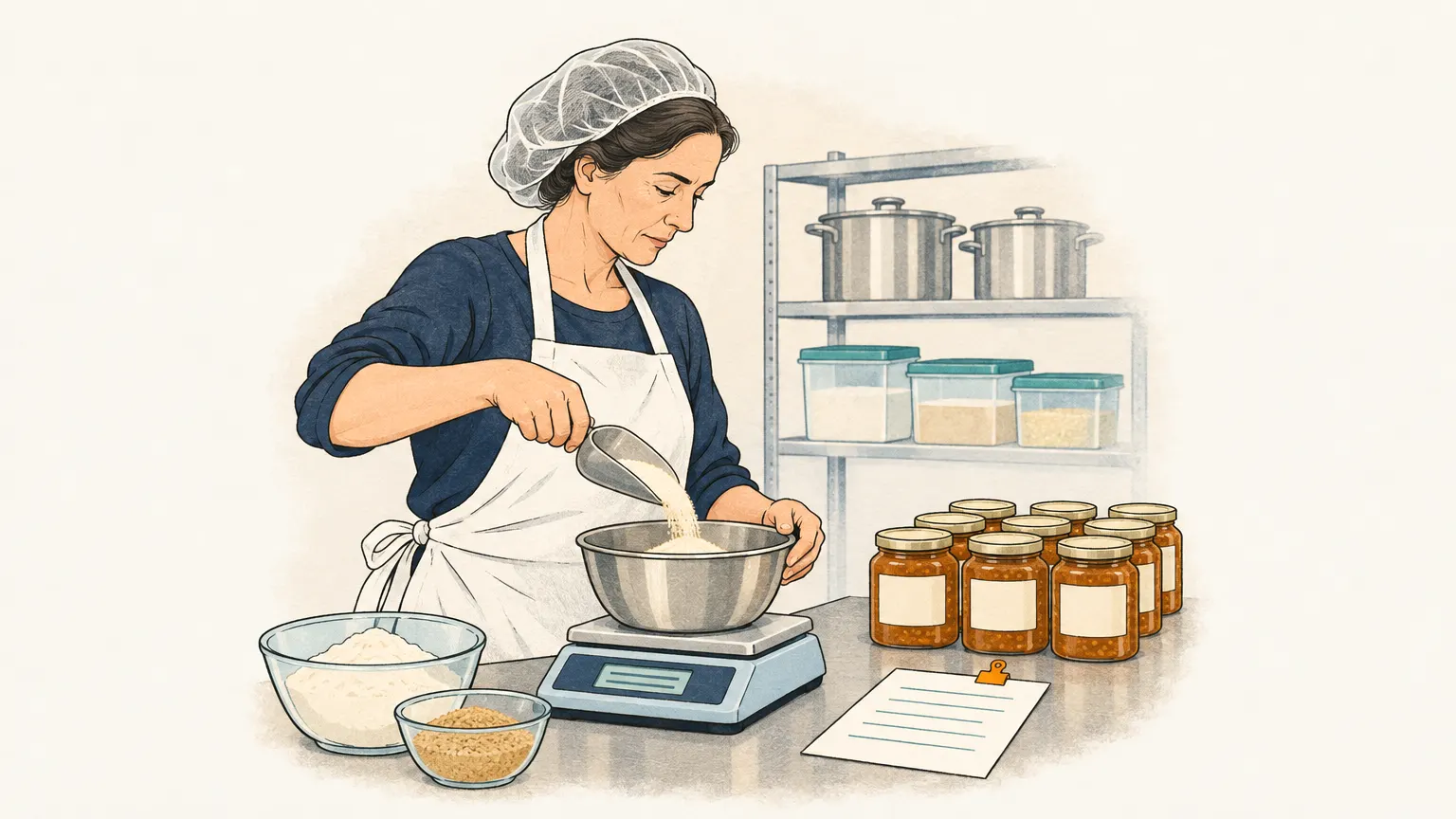
Every batch must be traceable
Anyone making food, cosmetics or chemical products must be able to say quickly, if it comes to it, which raw materials ended up in which batch and to which customers that batch was delivered. If a supplier recalls an ingredient, it is a matter of hours, not days. This traceability in both directions is the core of batch management: at goods receipt every raw material gets its batch number, production creates a new batch from the raw material batches used, and on shipping the delivery note shows which batch went to which customer.
Closely linked is the best-before date. In the warehouse, what expires first should leave first, and goods close to expiry must be noticed in time.
Recipe, yield, cost
For small manufacturers the recipe is what the bill of materials is for engineering: it describes which ingredients go into a product and in what quantity. Unlike a bill of materials it often works with weight and volume, with yield and loss, and with ingredients that are semi-finished goods themselves. From the recipe and the purchase prices of the raw materials comes the production cost per jar, bottle or tub, and with it the basis for the price.
Many small workshops keep recipes and batches in Excel or on paper. That works as long as the range is small and one person keeps everything in their head. As the number of products, dealers and inspections grows, it becomes tedious. Software for workshops and small manufacturers therefore offers recipes, batches and costing; inventory systems often have add-on modules for this. When choosing, check whether batches are carried through all documents, from goods receipt to invoice, and whether a recall can be evaluated in a few clicks.
Orders from your dealers
Besides recipes and batches, small manufacturers have another daily task: orders from their dealers, farm shops and restaurants. They rarely come through a shop, but by e-mail, with a list attached or as a photo. Someone has to read them, match them to items and transfer them into the inventory system or the Excel list.
Onshop does not manage batches or recipes. It takes over the orders from the mailbox: it creates draft orders with customer and lines from your catalogue, shows for each line the passage in the e-mail and marks anything unclear. You review, confirm and export the orders as CSV. You load your catalogue and customers from Excel or your inventory system by CSV. What this looks like for workshops is described in Order management for small-batch manufacturers and workshops.